
Connect Google Calendar
Sync your Google Calendar so Care Transformation Studio can automatically check your availability and prevent double-booking.
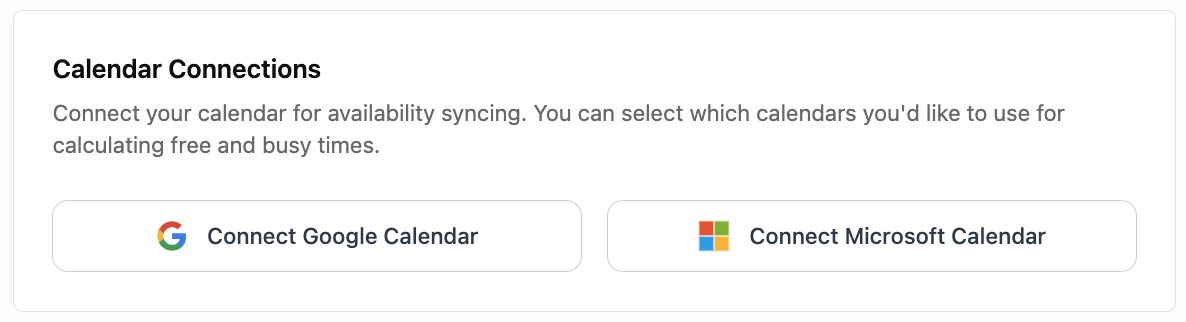
Connecting your Google calendar
Under Calendar Connections, click Connect Google Calendar.
A Google login window will open:
Select the Google account you want to connect.
Allow the requested permissions so we can read your busy/free times.
Once connected, you’ll see Google listed under your calendar connections.
Notes
We never access your event details — only busy/free status to block availability.
You can disconnect at any time from the same settings screen.
Troubleshooting
Didn’t see the pop-up? Allow pop-ups in your browser for the site.
Wrong account connected? Disconnect and reconnect using the correct Google account.
Events not blocking time? Make sure the events in Google are marked as Busy.